Tracking signal
Keep labels, carrier updates, and delivery status in one place.
After a label is created, SMKlog keeps the tracking number and latest carrier status attached to the order.
Carrier scansDelivery statusSupport context
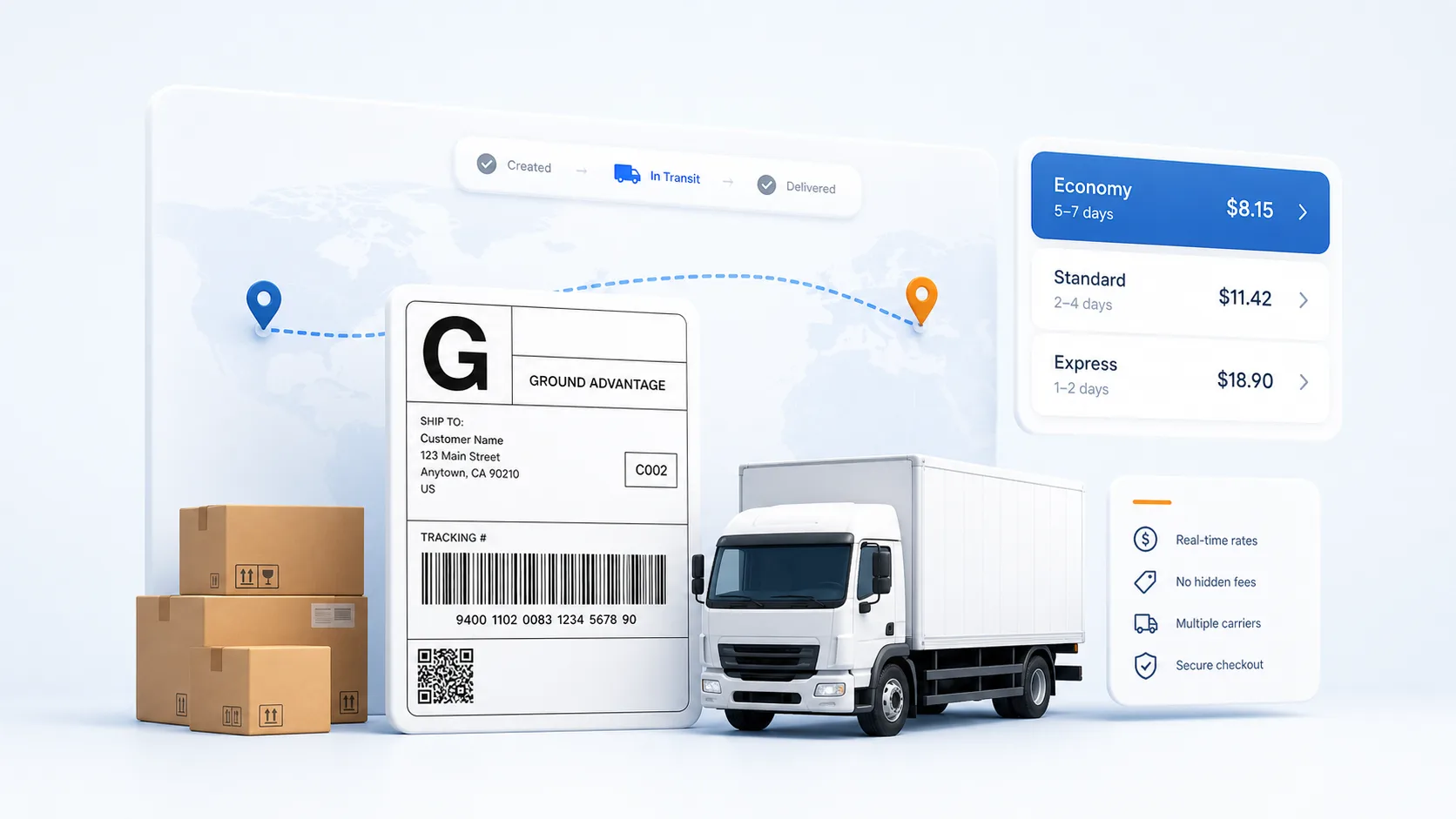
Tracking after label creation
Carrier updates appear after the first carrier scan or handoff.
Track a shipment
Check SMKlog status
Enter the tracking number from an SMKlog-created label. SMKlog checks the carrier tracking signal and shows the carrier status here without sending you to a carrier website.
What tracking can show
- Label ready Label is created, but the carrier may not have scanned it yet.
- In transit The carrier has received or scanned the package.
- Delivered or exception Delivery and issue signals stay attached to the shipment support path.